Reporting,Ecommerce

Setting Up an Ecommerce Marketing Dashboard Your Team Will Actually Open
A dashboard nobody checks is a spreadsheet with extra steps.
Most ecommerce teams have at least one of these sitting unused, built with good intentions during a busy quarter and abandoned within a month once the person who built it moved on to something else.
Here is a full guide to building one that actually survives contact with a real, busy team.
Key takeaways
- A dashboard only earns its place if someone changes behavior because of it.
- One meaningful number per channel beats every metric a platform can export.
- A named owner per number is what keeps a dashboard alive past the first quiet quarter.
- Automate the data refresh, or the dashboard will not survive a busy week.
- A monthly accuracy check catches broken tracking before it wastes a quarter of decisions.
Why dashboards get ignored
Too many numbers competing for attention, no clear owner responsible for acting on what the numbers say, and metrics that do not connect to a decision anyone actually makes.
A dashboard is not a report. It only earns its place if someone changes behavior because of it, and most dashboards are built to display information rather than to prompt a decision.
There is also a familiar failure pattern: the dashboard gets built to impress in a meeting, packed with every metric a platform can export, and then never opened again once the meeting is over.
What belongs on a dashboard people actually open
One number per channel that ties to revenue
Not every metric a platform offers, just the one that answers whether that channel is working: email revenue per campaign, ad spend against return, organic traffic against conversions.
Klaviyo alone can export dozens of metrics. Almost none of them matter as much as revenue per email sent, because that single number already accounts for list size, open rates, and click rates in one figure that is easy to track over time.
A trend line, not just a snapshot
A single number without direction tells you where you are but not whether it is working.
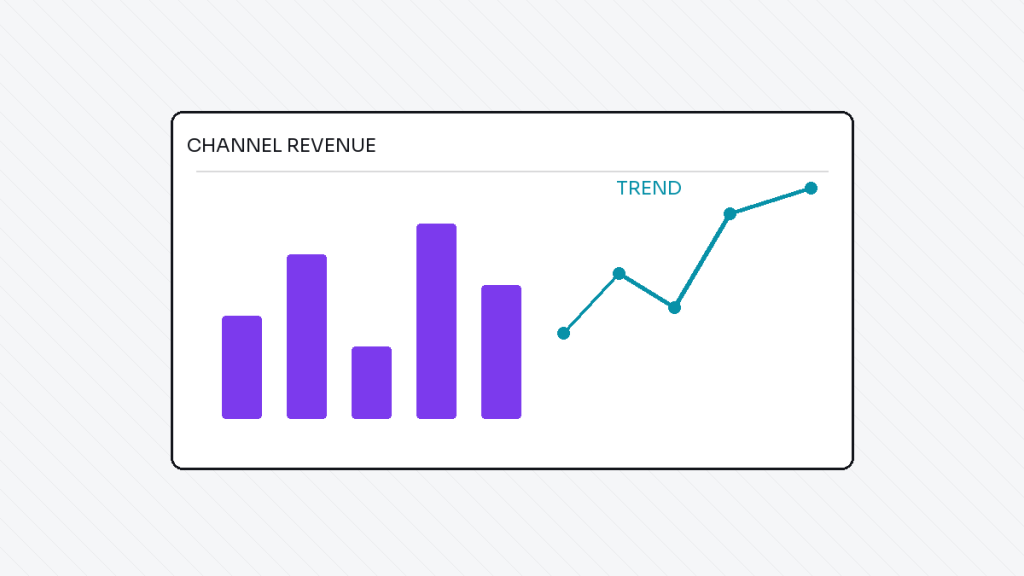
Even a simple week over week trend line turns a static number into a decision prompt. Seeing that email revenue is forty two hundred dollars means very little on its own. Seeing that it has dropped for three weeks in a row means something needs attention today.
A named owner for every number on the page
If nobody is responsible for a metric, it will drift without anyone noticing.
Assign ownership before the dashboard goes live, not after the first quiet quarter. Ownership does not need to be complicated: one name next to each number, someone who checks it weekly and flags it when something looks wrong, is enough to keep a dashboard alive.
The tool is rarely the problem. Someone has to be responsible for what the number actually says.
Building it so it survives contact with a busy week
Connect the data sources once, automate the refresh, and keep the whole thing to one screen.
A dashboard that requires a weekly manual export will not survive the first busy launch, and that is usually when the numbers matter most. If pulling the data takes fifteen minutes of copying and pasting, it will get skipped the first time the team is short on time.
Automating the data connection is usually simpler than it sounds. Most ecommerce and marketing platforms have native reporting integrations or can be connected through a workflow tool that pulls fresh numbers on a schedule. The setup takes a few hours once. The manual alternative costs a few hours every single week, forever.
Choosing where the dashboard lives
The tool matters less than people assume.
A shared spreadsheet with automated data pulls works fine for a small team. A dedicated reporting tool makes sense once several people need to check it daily or the number of data sources grows past three or four. The mistake is choosing a complex tool before the team has a habit of checking a simple one.
Before building a new dashboard
- List the one number per channel that actually ties to a revenue decision.
- Confirm each data source can be connected automatically, not manually pulled.
- Assign a named owner to every number before the dashboard goes live.
- Set a recurring calendar reminder for whoever owns the weekly check.
- Plan a monthly ten minute audit against the source platform.
Keeping it honest over time
A dashboard that was accurate on launch day can quietly drift out of sync as tools change, tracking breaks, or a platform updates its reporting.
Build in a simple monthly check: do the numbers on the dashboard match a manual pull from the source platform. It takes ten minutes and catches broken tracking long before it turns into a quarter of decisions made on bad data.
What a good ecommerce dashboard usually includes
Most stores do well with a short list: email revenue per campaign, organic traffic and conversions, ad spend against return, and overall store conversion rate.
Beyond that, add channel specific numbers only if a named person is actually going to act on them. Every extra metric without an owner is just noise competing for attention.
Frequently asked questions
How many metrics should an ecommerce dashboard have
Fewer than people expect. A handful of well chosen numbers that people actually check beats twenty metrics nobody opens.
Who should own the dashboard in a small team
Whoever is closest to acting on the numbers, not necessarily the most senior person. Ownership should sit with someone who can make changes based on what they see.
How often should the data refresh
Daily is a reasonable default for most ecommerce metrics. Some channels, like ad spend, may benefit from more frequent updates during active campaigns.
What is the biggest reason dashboards get abandoned
No clear owner and no connection to an actual decision. A number nobody is responsible for tends to get ignored within a month.
The short version
Pick the few numbers that matter. Automate the refresh. Assign a real owner to each one.
Do that, and the dashboard survives past the first busy week, which is the only real test of whether it was worth building.
Dhanik
I build the automation and marketing systems that let ecommerce brands grow without adding more manual work: email and SMS flows, workflow automation, reporting, and the content and SEO that feeds all of it. Currently building these systems at TechDeliveryPartners, after four years running SEO and content at KonixWeb, and seven years total in search and digital marketing.
View full profile