Agency · Ecommerce · Ecommerce Building · Reporting,Ecommerce

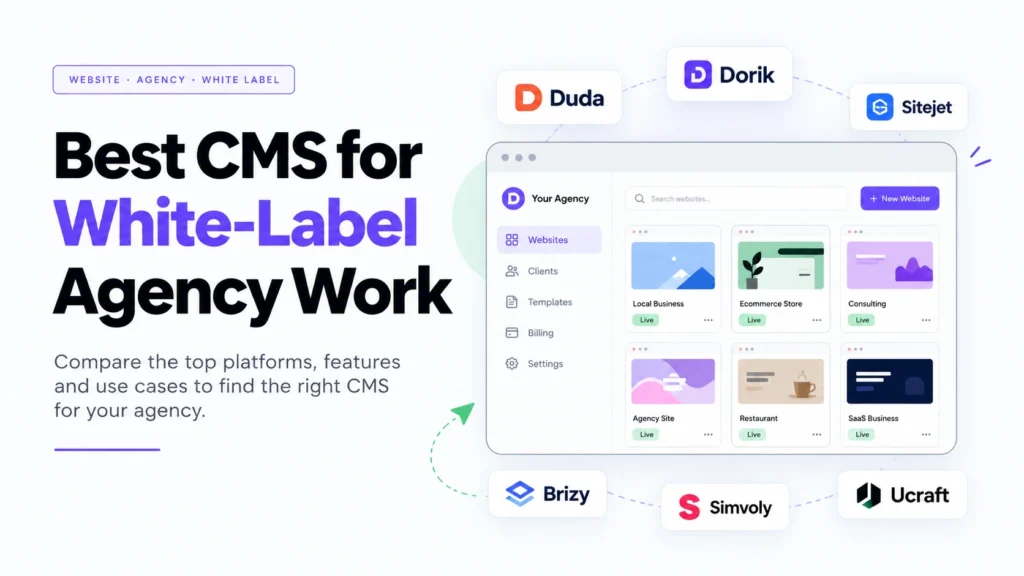
Best CMS for White-Label Agency Work in 2027
What If Your Clients Could Use Your Website Platform Without Seeing Another Company’s Brand?
Imagine you run a digital agency. You build websites for local businesses, manage online stores, and help clients grow through SEO and digital marketing. Your business is doing well, but every new client brings another challenge: more websites to manage, more support requests, more updates, and more time spent on routine work.
Now imagine offering clients a website platform that carries your logo, uses your brand colors, and connects with your own services. Your clients can manage their website content, while your team handles the technical work behind the scenes. From their perspective, they are working with your agency, not a collection of different software companies.
That is the idea behind a white-label content management system (CMS).
Choosing the best CMS for white-label agency work is not just about finding a tool to build attractive websites. It is about creating a service you can sell repeatedly, manage efficiently, and grow without adding unnecessary work to every project.
But here is where things get interesting: not every website builder offers genuine white-label features. Some allow you to add your logo to a website, while others let you brand the editor, client dashboard, login page, and even automated emails. Those are very different levels of control.
In this guide, we will compare nine platforms, explain what makes each one useful, and help you choose a CMS based on your agency’s business model, client needs, and growth plans.
What Is a White-Label CMS?
A white-label CMS is a website management platform that lets an agency deliver website-building and content management services under its own brand, even when another company provides the underlying technology.
For example, suppose your agency creates websites for restaurants, consultants, ecommerce brands, and local service businesses. Instead of asking every client to learn a separate platform, you can provide a consistent, branded experience for managing their websites.
Depending on the software and plan, clients may see your logo, your custom domain, your dashboard, and your support details rather than the platform provider’s branding.
A white-label CMS can help agencies offer services such as:
- Website design and development
- Website hosting and ongoing maintenance
- Client website editing and content management
- Ecommerce website creation
- Website subscriptions and recurring maintenance plans
- SEO and conversion improvements
- Automated website reporting and client communication
However, white-labeling does not automatically mean you own the underlying software. The provider may still control the hosting infrastructure, software updates, and platform features.
The important distinction: You are selling a branded service and client experience, not necessarily your own CMS technology.
Why Agencies Need the Right CMS for White-Label Work
Building one website is very different from managing 30, 50, or 100 client websites.
When you have only a few projects, you may be comfortable handling updates manually, answering every client question, and managing each website separately. As your agency grows, those tasks can take time away from sales, strategy, and delivering better results.
The right CMS helps you build a repeatable process.
1. Deliver websites under your own brand
Brand consistency matters when clients pay your agency for a complete service. A fully white-label platform can help you provide branded login pages, dashboards, website editors, and client emails.
This creates a more consistent experience from the first website preview to ongoing website management.
2. Create recurring revenue
Website projects do not have to end when a site goes live. You can offer monthly packages that include hosting, maintenance, content updates, SEO improvements, reporting, and technical support.
For example, an agency might charge an initial website setup fee followed by a monthly management fee. The exact price depends on the scope of work, the client’s market, and the value you provide.
The CMS supports the service, but your recurring revenue comes from solving ongoing client problems.
3. Reduce repetitive work
Reusable templates, global design settings, content collections, and automation integrations can help your team avoid repeating the same steps for every client.
If you create websites for similar businesses, you may be able to reuse proven page layouts and workflows while still customizing each website to fit the client’s brand.
4. Give clients control without giving away everything
Clients often want to update a blog post, change a phone number, add a product, or replace a photo. They do not necessarily need access to every design and technical setting.
A good agency CMS lets you control permissions so clients can manage approved content while your team retains control over the more complex parts of the website.
This balance can reduce support requests and protect the quality of your work.
Best CMS for White-Label Agency Work: 9 Platforms Compared
There is no single CMS that works best for every agency. The right choice depends on whether you want to resell websites, manage client projects, run a design-focused studio, or build a larger ecommerce and automation service.
Here are nine platforms worth evaluating.
1. Duda: Best for Agencies Managing Multiple Client Websites
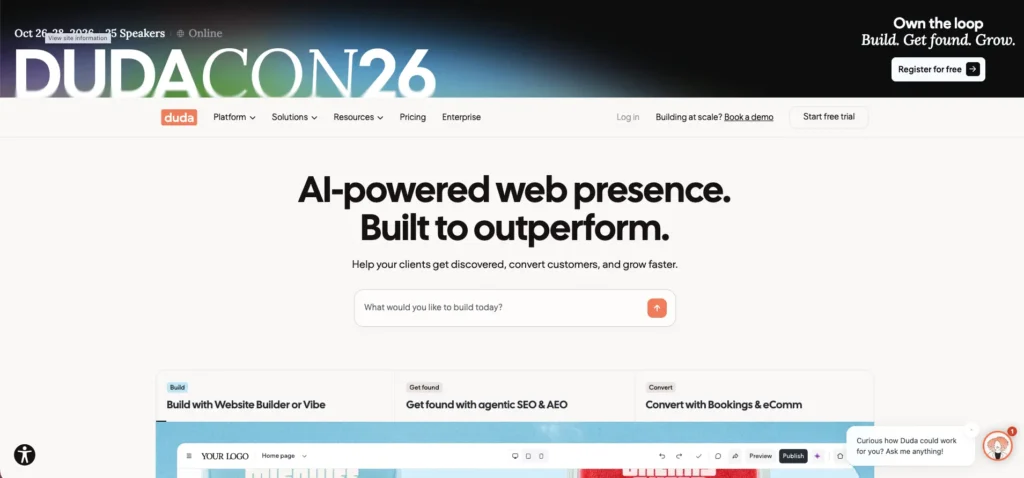
Duda is a strong option for agencies that want website building, client management, and white-label features within one platform.
Its white-label offering can include a branded login screen, customized website editor, client dashboard, preview tools, permissions, and branded email communication. Available features depend on the plan.
This makes Duda worth considering if your agency builds and manages websites for many small and medium-sized businesses.
What makes Duda useful?
- Branded client-facing website management
- Centralized management for multiple websites
- Reusable design elements and templates
- Client roles and permissions
- Website editing and content management tools
- Ecommerce capabilities for eligible projects
- API and workflow integration options
Consider an agency that creates websites for dentists, home service companies, consultants, and restaurants. A shared platform can make it easier to manage recurring tasks and maintain a consistent delivery process.
The main thing to check is pricing at your expected scale. Look at how many sites are included, which white-label features require higher plans, and what happens when your client portfolio grows.
Best for: Agencies that prioritize client experience, repeatable website delivery, and ongoing website management.
Official resource: Duda
2. Dorik: Best for a White-Label CMS With Built-In Client Billing

Dorik deserves attention if you want to provide a branded website-building experience without creating your own software from scratch.
Its white-label offering includes branding options, a client dashboard, website content management, and client billing features on eligible plans. Dorik also provides tools for blogging and custom content collections.
That makes it useful for agencies that want to combine website production with recurring services or packaged website subscriptions.
For example, you could create a standard website package for consultants and small businesses. Your agency handles the design, setup, and technical management, while clients receive access to update approved content.
Key features to evaluate:
- Removal of platform branding
- Branded client dashboards
- Client billing capabilities
- Website and blog management
- Custom content collections
- Team collaboration
- Hosting and website publishing
One advantage of a more integrated platform is that you may not need to combine as many separate tools to deliver your service. Still, confirm the current plan limits, billing options, and payment availability for your country before committing.
Best for: Small and growing agencies that want white-label website delivery, content management, and client billing in one system.
Official resource: Dorik
3. Site.pro: Best for Hosting Providers and Website Resellers
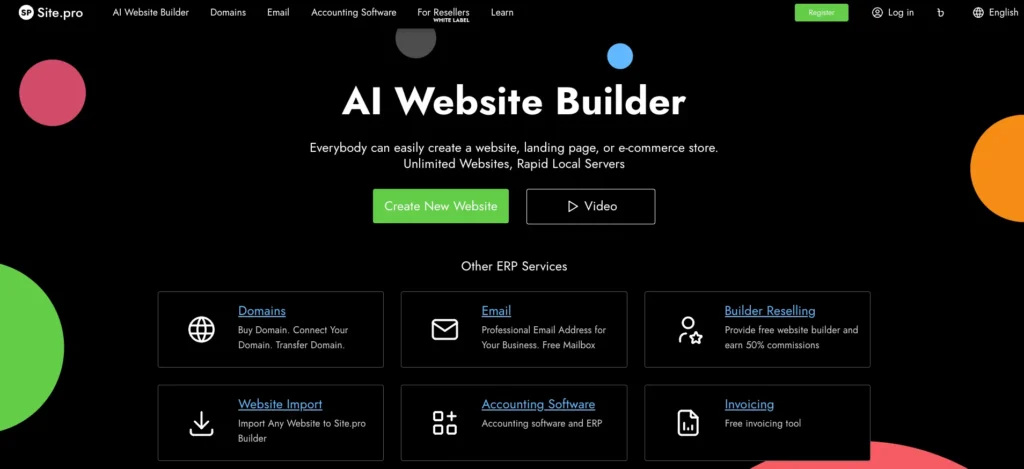
Site.pro is worth exploring if your business model involves reselling website-building tools or providing a website builder alongside hosting services.
Instead of focusing only on individual website projects, this type of platform can support a broader reseller model in which your customers use a website builder offered through your business.
That can be useful for hosting companies, domain providers, and agencies that want to bundle website creation into an existing service.
Before choosing Site.pro, check how its white-label setup works, what deployment options are available, and whether the level of branding and technical control matches your business model.
Best for: Hosting businesses, resellers, and providers that want to offer website-building software under their own brand.
Official resource: Site.pro
4. BaseKit: Best for Embedded Website-Building Services
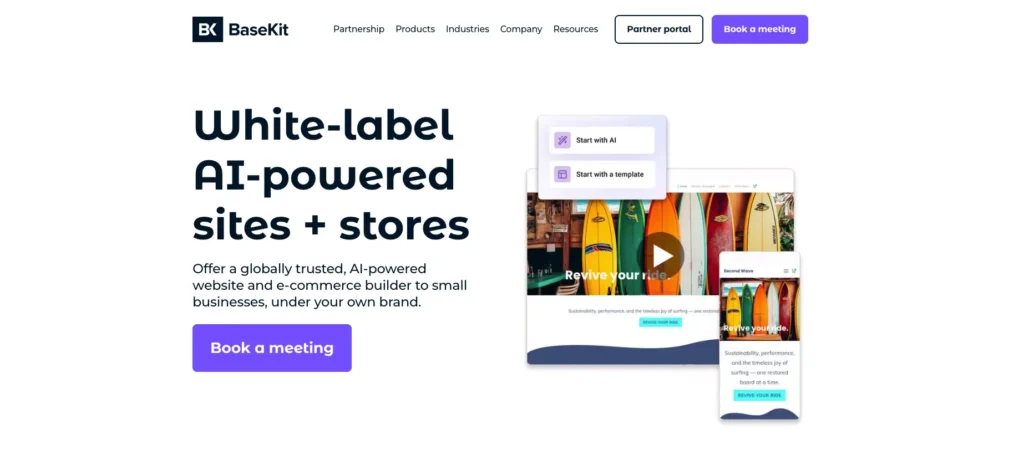
BaseKit focuses on providing website-building and digital tools through partner businesses. This makes it relevant to companies that want to offer website services as part of a wider product or subscription.
For example, a telecom company, hosting provider, or business software provider might want its customers to create websites without leaving its own service environment.
That is different from a traditional web design agency that builds each website from scratch. The value comes from offering website creation as a repeatable product.
When evaluating BaseKit, look at how the partner solution integrates with your existing services, how much of the experience can carry your branding, and how customers are supported.
Best for: Businesses that want to embed website-building capabilities into a larger service offering.
Official website: BaseKit
5. Weblium: Best for Agencies Looking for a Guided Website-Building Workflow
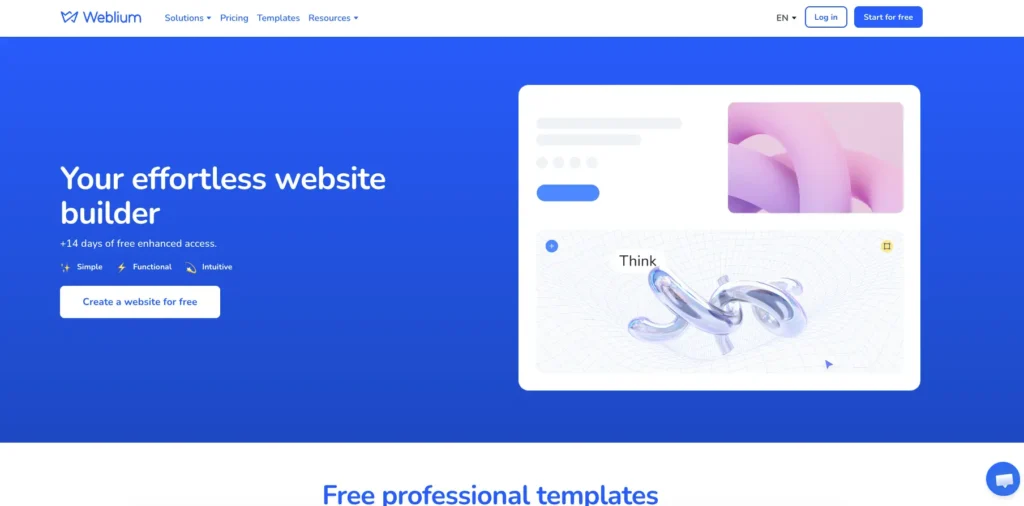
Weblium offers website-building tools and an agency-focused offering that may suit teams looking for a more structured way to produce client websites.
A visual website builder can be helpful when your team needs to launch professional sites without building every page from the ground up.
For agencies, the key question is whether the available branding, client access, and project management features support the exact service you want to sell.
Do not assume that an agency plan automatically includes complete white-label access. Check the current terms and ask for a demonstration if branded dashboards, custom domains, or client-facing editors are essential to your business.
Best for: Agencies that want a visual website-building workflow and need to verify the available white-label options.
Official website: Weblium
6. Brizy: Best for WordPress-Based Agency Workflows
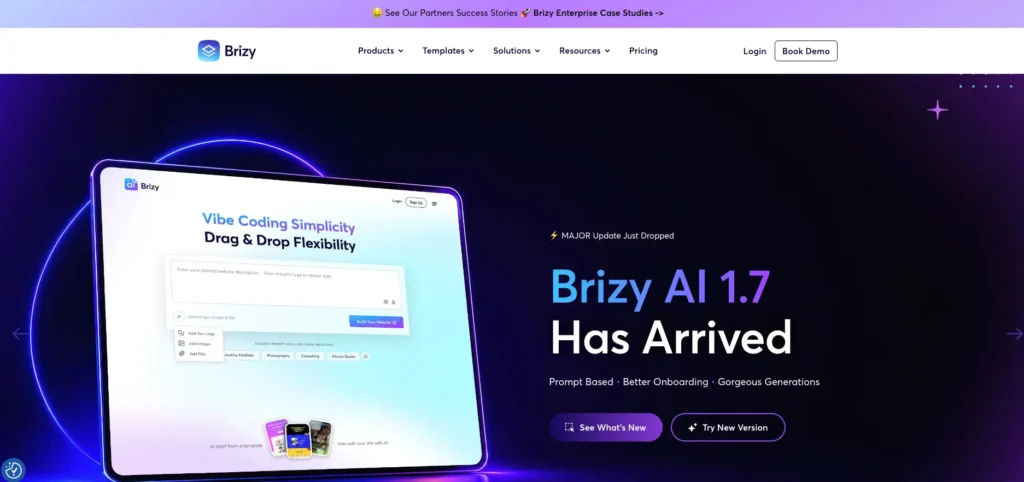
Brizy is relevant for agencies that prefer a visual design workflow and want to explore white-label website-building options, including its WordPress-related offering.
WordPress can be attractive because it supports a large ecosystem of themes, plugins, hosting providers, and integrations. A visual builder can make page creation easier for teams that do not want to write code for every design change.
However, there is an important distinction between white-labeling a website builder and white-labeling the complete CMS experience.
You should check whether the plan covers the editor, client dashboard, login experience, and any other areas your clients will see. Also consider plugin updates, backups, security, and hosting responsibilities.
Best for: Agencies that want a visual building workflow and prefer a WordPress-related setup.
Official website: Brizy
7. Ucraft: Best for Exploring a Website-Builder Reseller Model
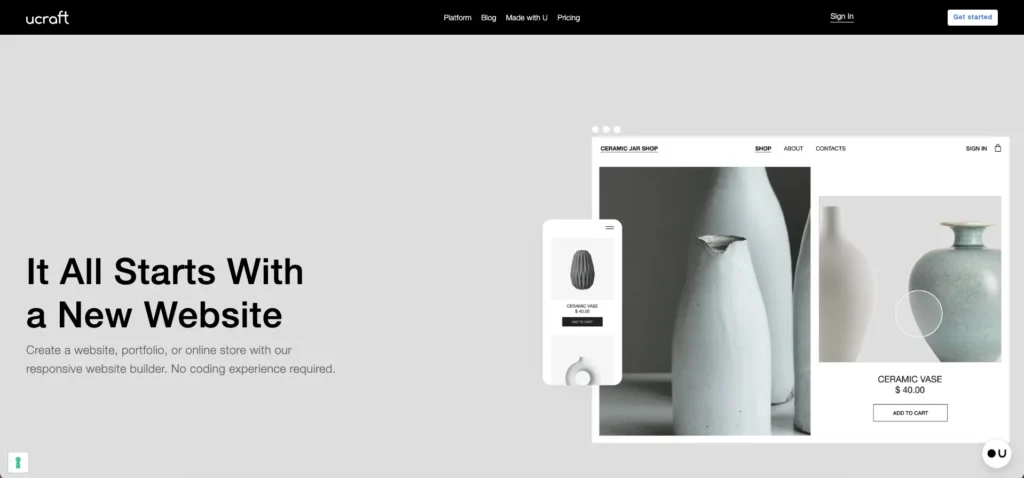
Ucraft is another platform worth investigating if you want to provide website-building services through a branded offering.
A reseller-oriented website builder can help a business package website creation as part of a larger service rather than treating every site as a completely separate development project.
This approach may be useful if you serve a specific audience and can standardize the websites you deliver.
Before choosing Ucraft, confirm the availability of its white-label business options, supported branding features, pricing structure, and client ownership arrangements.
Best for: Businesses evaluating a branded website-builder or reseller service.
Official website: Ucraft
8. Sitejet: Best for Agencies That Need Website Production and Project Management
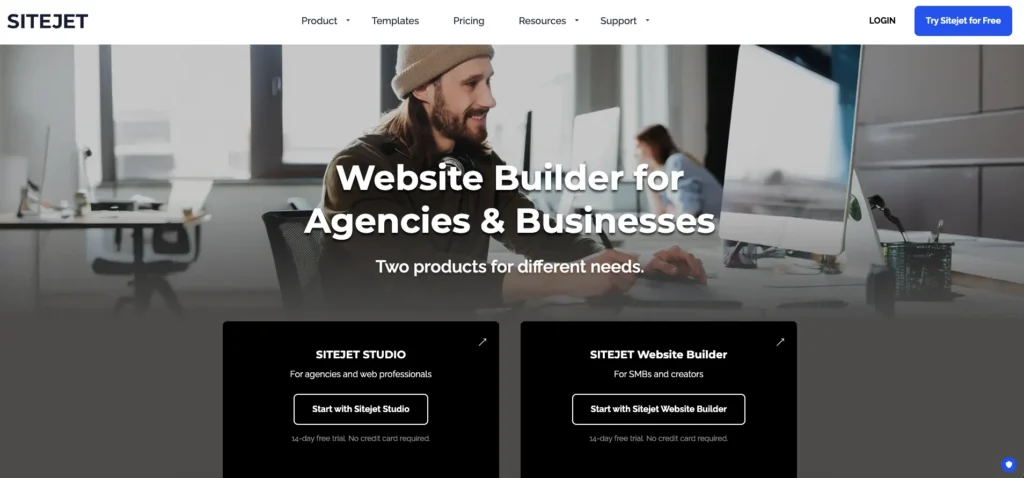
Sitejet is worth considering when your agency needs more than a visual website editor.
Website production involves collecting content, organizing feedback, coordinating designers, tracking project status, and handing the finished site over to the client. Tools that bring some of these tasks together can make a difference to your workflow.
For an agency managing many similar projects, a more organized production process can help reduce delays and make it easier to onboard new team members.
The key consideration is whether Sitejet’s available branding and client management features meet your white-label requirements. Review the current plans carefully instead of assuming every agency feature is included by default.
Best for: Web design studios that want to improve website production and project management.
Official website: Sitejet
9. Simvoly: Best for Combining Websites, Funnels, and Ecommerce
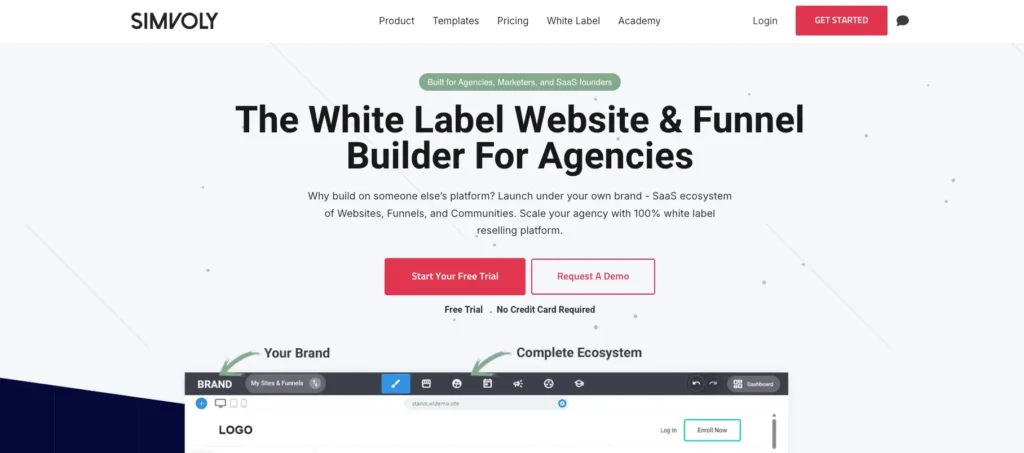
Simvoly is worth evaluating if your agency works on conversion-focused websites, sales funnels, and ecommerce experiences rather than simple informational websites alone.
For example, a client may need a landing page, lead capture form, sales funnel, product pages, and checkout experience as part of one customer journey.
A platform that brings these elements together may simplify delivery compared with managing several disconnected tools.
However, white-label features and ecommerce capabilities can vary by plan. Check the current product documentation, payment options, integrations, and branding limits before making a decision.
Best for: Agencies that combine website creation with sales funnels and ecommerce projects.
Official website: Simvoly
Which White-Label CMS Should You Choose? A Quick Comparison
The platforms above serve different types of businesses. Rather than choosing the tool with the longest feature list, start by identifying how you plan to sell and deliver your service.
| Platform | Best fit | Main thing to evaluate |
|---|---|---|
| Duda | Multi-client website agencies | White-label depth and site costs |
| Dorik | Branded CMS and website subscriptions | Client billing and plan limits |
| Site.pro | Hosting and website resellers | Deployment and reseller options |
| BaseKit | Embedded website-building services | Partner integration |
| Weblium | Visual website production | Branding and client access |
| Brizy | WordPress-oriented workflows | Scope of white-label features |
| Ucraft | Website-builder resellers | Current reseller terms |
| Sitejet | Website production teams | Project management and client tools |
| Simvoly | Funnels and ecommerce | Checkout and integration needs |
This is a practical shortlist, not a ranking based on independent performance tests. Feature availability, pricing, and plan conditions can change, so verify them directly with each provider before purchasing.
How to Choose the Best CMS for White-Label Agency Work
A good decision starts with your business model, not the software.
Here are the factors I would examine before choosing a platform for an agency.
1. Check the level of white-label branding
This should be your first check because the word “white-label” can mean different things across platforms.
Some providers let you customize a website with your client’s branding. Others let you customize the software interface that your own clients use.
Those are not the same thing.
Look for these features:
- Your own logo and brand colors
- A custom login page or domain
- A branded client dashboard
- A client-facing website editor
- Branded emails and notifications
- Control over the provider’s name and branding
If your goal is to sell website management as your own service, focus on the complete client experience rather than the branding of the finished website alone.
2. Understand the total cost
A low starting price does not always mean a low operating cost.
Your real cost may include the CMS subscription, hosting, extra websites, premium integrations, payment processing, backups, support tools, and the time your team spends managing the platform.
Calculate your cost per client before deciding.
For example, imagine your agency manages 20 websites and spends $200 per month on its combined platform and hosting costs. That is an average infrastructure cost of $10 per website each month, before labor, marketing, taxes, and other business expenses.
If you charge each client $50 per month for website management, your monthly revenue would be $1,000. The remaining $800 is not pure profit because you still need to cover the other costs of running your business.
This simple calculation helps you see whether a platform supports a healthy business model.
3. Make sure clients can edit content easily
Your clients should not need to contact you every time they want to change a product description, publish a blog post, or update their business hours.
A useful CMS should make routine content updates simple while protecting the overall design.
Before committing to a platform, test the client editing experience yourself. If possible, ask someone who is not a developer to complete a few common tasks.
If the process is confusing, expect more support requests after launch.
4. Review SEO and website performance features
A website is not successful simply because it looks good.
Your CMS should support the basics needed to help client websites get discovered and convert visitors into customers.
Check whether it supports:
- Editable page titles and meta descriptions
- XML sitemaps and canonical URLs
- Image alt text
- Mobile-friendly layouts
- Redirects and URL management
- Structured data where appropriate
- Analytics and conversion tracking
- Fast page delivery and reliable hosting
The exact requirements depend on the website. An ecommerce store, a local service business, and a content-heavy publication will not have identical needs.
Also remember that a CMS cannot guarantee rankings. SEO depends on content quality, site structure, technical health, competition, links, and how well the website meets searchers’ needs.
5. Look at integrations and automation
This is where your CMS choice can affect the way your entire agency operates.
Suppose a client submits a lead form. You may want that lead to enter a CRM, trigger an email, notify the sales team, and appear in a reporting dashboard.
If those steps require manual work every time, the workload can grow quickly as your client base expands.
Look for integrations with the tools you already use, along with APIs or automation platforms where appropriate.
A well-connected CMS can help you create repeatable workflows for:
- Client onboarding
- Content collection
- Lead management
- Ecommerce order notifications
- Website reporting
- Maintenance reminders
- Client communication
Do not choose a platform just because it has many integrations. Focus on whether it connects the systems your agency actually needs.
6. Understand website ownership and portability
This is an important point that agencies sometimes overlook.
What happens if you stop paying for the platform? Can a client move their website elsewhere? Can you export the content, products, images, and customer data? Will custom functionality need to be rebuilt?
These questions matter because your clients are paying you to build a business asset.
Read the provider’s terms and test the export process before building a large portfolio of websites. A platform that works well today can become a problem if you cannot move your clients’ websites when circumstances change.
Is WordPress a Good CMS for White-Label Agency Work?
WordPress deserves a separate mention because many agencies already use it to build client websites.
WordPress can support a wide range of websites, from simple business pages to large content libraries and ecommerce stores. Its plugin and theme ecosystem also provides flexibility for custom functionality.
However, WordPress is not automatically a fully white-label CMS.
To deliver a branded client experience, you may need to combine WordPress with suitable hosting, a visual builder, client management tools, and carefully selected plugins. The exact setup depends on your requirements.
You will also need to plan for updates, backups, security, plugin compatibility, and ongoing maintenance.
Choose WordPress when flexibility and control matter more than having everything managed in one platform. Choose a dedicated white-label platform when a ready-made branded client experience and simpler site management are more important.
Neither approach is universally better. The right option depends on your team’s skills, your clients’ needs, and how much technical responsibility you want to take on.
Common Mistakes to Avoid When Selecting an Agency CMS
Even a good platform can become the wrong choice if you select it for the wrong reasons.
Choosing based only on price
A cheap platform may become expensive if it lacks the features you need or requires several paid add-ons. Compare the total cost of delivering your service, not just the monthly subscription.
Confusing a branded website with a white-label platform
Your client’s website can carry their brand while the editing interface still displays the software provider’s logo. If you are selling a branded agency platform, check both experiences.
Ignoring client support
A platform can have excellent design tools but still create problems if clients cannot easily manage their content or get help when something goes wrong.
Offering too many options
You do not need a different CMS for every client. Starting with one primary platform and a clear exception process can make training, documentation, and maintenance much easier.
Forgetting about the business model
A CMS is only one part of your offer. You still need a clear service package, pricing, onboarding process, maintenance plan, and a reason for clients to continue paying you.
The best platform is the one that helps you deliver a useful service consistently, not the one with the most impressive marketing page.
Start With Your Agency’s Delivery Model
If I were narrowing down this list for a new agency, I would begin with three questions.
Do you want to manage websites for clients? Start by evaluating Duda and Dorik, paying close attention to branding, permissions, billing, and the cost of adding more sites.
Do you want to resell or embed website-building software? Investigate Site.pro and BaseKit, then confirm their partner requirements and available customization.
Do you want a more flexible or specialized website workflow? Evaluate Brizy for WordPress-oriented projects, Sitejet for production workflows, and Simvoly for funnel and ecommerce use cases.
Do not migrate your entire business immediately. Build one test website, invite a test client, run through the editing process, check the SEO controls, and test a few important automations.
Then calculate your actual cost and decide whether the platform can support your next 10 or 50 clients.
That small test can save you from committing to a system that looks attractive but does not fit your business.
The Best White-Label CMS Should Help You Grow
The best CMS for white-label agency work is not simply a website builder with your logo on it. It is a platform that helps you deliver a consistent client experience, manage websites efficiently, and create services that can generate recurring revenue.
Duda and Dorik are strong starting points for agencies focused on branded website management. Site.pro and BaseKit are worth exploring for reseller and embedded website-building models, while WordPress-related tools and other visual builders may suit more specialized workflows.
Before making your final choice, check the current pricing, white-label limits, integrations, content management features, and website portability.
Most importantly, think beyond the website launch. Your long-term opportunity comes from helping clients attract visitors, convert leads, improve their operations, and grow their businesses.
Need Help Building a Better Ecommerce and Growth System?
I help businesses bring ecommerce, automation, SEO, and growth together into a practical system.
Whether you are planning an ecommerce website, improving an existing online store, connecting business tools, or reducing repetitive work through automation, the goal is the same: build a system that supports real business growth instead of adding more complexity.
If you are an agency owner or business operator trying to decide which platform fits your next stage, start by identifying what you want to sell, how you want to deliver it, and which tasks you need to automate.
Dhanik
I build the automation and marketing systems that let ecommerce brands grow without adding more manual work: email and SMS flows, workflow automation, reporting, and the content and SEO that feeds all of it. Currently building these systems at TechDeliveryPartners, after four years running SEO and content at KonixWeb, and seven years total in search and digital marketing.
View full profile